
One tap or scan. One clear customer action.
TapScan products connect an in-person customer moment to the right digital destination—review, follow, subscribe or pay—without a TapScan app.
See the customer journey
1 of 5 · Tap the card
A simple owner prompt
“How was your visit? Tap to share an honest review.”

9:41
Wednesday, 19 August
NFC tag detected
Tap to open the Google review page
OPEN
Illustrative phone preview. The final Google screen can vary by device and account.
Make genuine reviews easier to ask for—and easier to leave.
Customers may intend to leave feedback but forget once they leave. A visible card or standee gives the owner a natural moment to ask, while tap or scan removes the need to search manually.
The intention can fade after the visit
The customer leaves and returns to their day.
Later, they must remember the business and search for the correct listing.
Finding the review option becomes another task to complete.
Ask now, while the experience is fresh
A simple, neutral request
“How was your visit? Tap to share an honest review.”
The card or standee is a visible reminder for the owner and customer.
The customer taps or scans instead of searching manually.
The configured Google destination opens so they can choose what to share.
The practical impact: more opportunities for genuine reviews
Positive or critical, the review remains the customer’s own voluntary feedback.
Four simple steps
The product does not add another app or account step for your customer.
Choose the right format
Pick a portable card, a counter standee, or a combo that covers more than one customer touchpoint.
Provide the destination
Share the relevant review link, social username, channel URL, or UPI information during purchase or later from Order Details.
We prepare your product
TapScan configures the destination and prepares the printed NFC + QR product for the selected action.
Place, tap or scan
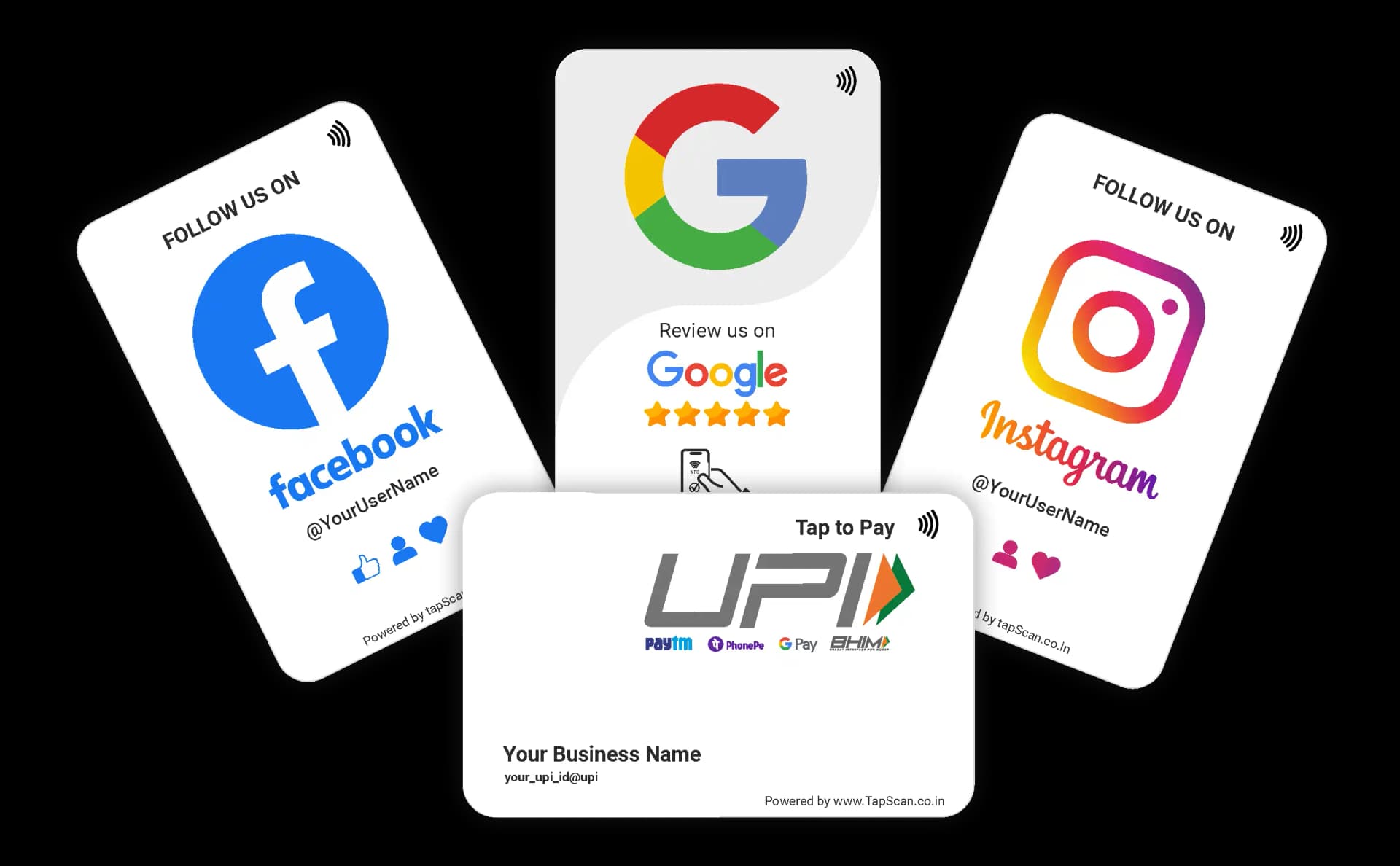
Put it where customers naturally pause. A compatible phone opens the configured destination without a TapScan app.
What the customer sees
Only the destination linked to that product opens. Nothing happens until the customer taps or scans.
Tap → Review
Tap → Follow
Tap → Follow
YouTube
Tap → Subscribe
UPI
Scan → Pay
Choose your placement
Use the format that matches where customers naturally pause.


Questions before you choose?
No TapScan app is required. Supported phones can use NFC, and the printed QR provides a scan option for compatible camera-equipped phones.
The phone opens the destination configured for that product, such as a Google review page, social profile, YouTube channel, or UPI payment flow.
Yes. When supported by the selected product, missing destination details can be added later from the Order Details area in your account.
Customers can use the printed QR code instead, provided their phone has a compatible camera or QR scanning app.
No. TapScan makes the correct destination easier to reach. The customer always decides whether and how they want to engage.
Ready to create a clearer customer moment?
Choose an original TapScan card, standee or combo.
Browse all products